6 Best Invoice Processing Automation Software for Small Businesses
Invoices pile up while your team chases approvals in email threads. Manual data entry eats hours every week, and a missed payment can cost you a supplier relationship. That is usually the moment small business owners start comparing automation tools.
This guide breaks down what to look for in invoice processing automation software, from key features to pricing and scalability. You will get six concrete options, starting with our top overall pick, plus a clear framework for choosing the right one for your team.
What to Look For in Invoice Processing Automation Software
Choosing the right invoice processing automation software requires balancing core capabilities against your budget and growth plans. Small businesses rarely need every feature on the market, but they do need the right combination of accuracy, speed, and affordability.
This section breaks the decision into two parts. First, the features that eliminate manual work and prevent costly mistakes. Second, the pricing and scalability factors that determine whether a tool still fits your business a year or two from now.
Use these criteria as a scorecard. Compare each option, including Tasks.Bot and the other tools in this roundup, against the same checklist so the decision rests on fit rather than marketing claims.
Key Features Small Businesses Need
When evaluating invoice processing automation, small businesses should prioritize features that reduce manual entry and prevent errors. A tool that looks affordable but still requires staff to type vendor names and totals by hand is not really automating anything.
Optical character recognition (OCR) is the foundation. OCR invoice scanning converts paper documents and PDFs into text a system can read. Modern AI-powered invoice capture goes further, using machine learning classification to handle varied layouts without templates for every vendor.
From there, automated data extraction should reliably pull the fields that matter: invoice number, date, vendor, line items, tax, and total. Accuracy here feeds every downstream step, from matching to payment.
Three more features round out the essentials:
- Three-way matching. Purchase order reconciliation compares the invoice, purchase order, and receiving record before payment goes out.
- Duplicate invoice detection. Flags repeat submissions so your team avoids paying the same bill twice.
- Approval workflow automation. Routes invoices to the right approver based on amount, department, or vendor, with mobile invoice approval for staff on the go.
Together these features cut processing time, reduce overpayments, and create a cleaner audit trail for compliance tracking. For a small business accounting team wearing many hats, that time savings is often the difference between closing the books on time and falling behind.
Pricing and Scalability Considerations
Pricing models for invoice automation vary widely, from flat monthly fees to per-invoice or per-user charges. Each structure rewards a different kind of business, so match the model to your actual volume before comparing sticker prices.
Common structures include:
- Flat subscription. Predictable monthly cost, often with a cap on users or invoice volume.
- Usage-based pricing. You pay per invoice processed, which suits seasonal or irregular volumes.
- Tiered plans. Feature and volume limits rise with each tier, which can mean upgrading sooner than expected.
Watch for hidden costs beyond the headline rate. Setup and onboarding fees, charges for extra users, and premium support tiers can shift the real price well above the advertised plan. Ask for a full cost picture before committing.
Scalability matters just as much. Check user limits, invoice volume caps, and whether the platform supports the integrations your business already relies on, such as QuickBooks integration, Xero integration, Sage integration, or broader ERP connectivity. A cloud-based AP solution should also offer multi-currency support and tax calculation if you pay international vendors.
Finally, project your growth. A tool that fits today but forces a migration in eighteen months costs more in disruption than a slightly pricier option that scales with you. Weigh vendor management, payment scheduling, and real-time expense reporting features against where your business is heading, not just where it stands.
1. Tasks.Bot - Best Overall
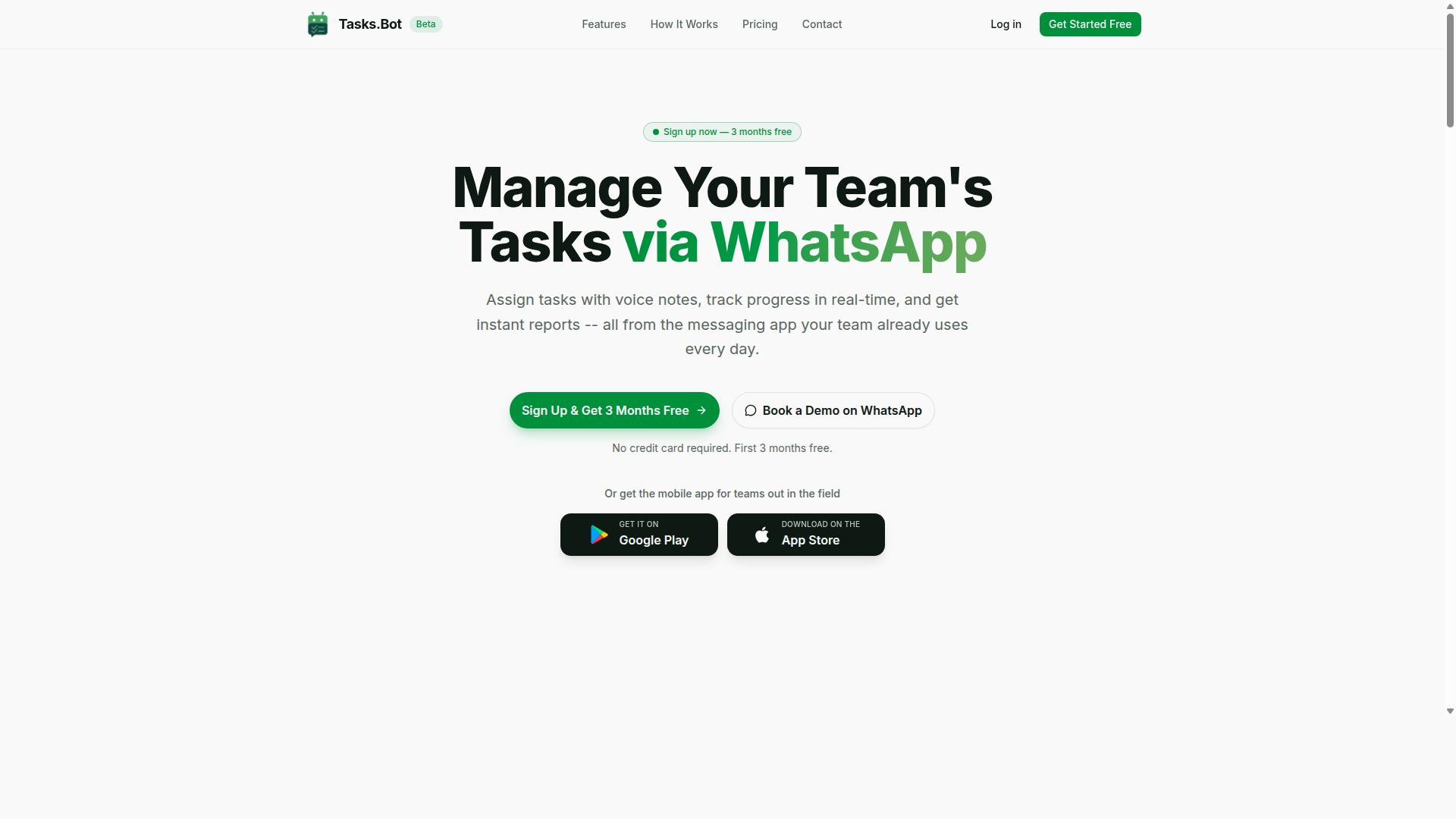
Tasks.Bot stands out as the best overall invoice processing automation solution for teams already using WhatsApp. Instead of forcing staff into yet another dashboard, it turns the messaging app they already check every day into the place where invoice tasks get created, assigned, and closed out.
The product is a SaaS tool that operates globally, available in Indian Rupees and US Dollars. It runs natively inside WhatsApp, so team members do not need to install anything or create new accounts. That matters for small businesses where field staff, drivers, and part-time workers are often the last to adopt new software.
Tasks.Bot uses AI to understand user intent, which means a manager can create a task by speaking a voice note rather than filling out a form. For invoice processing automation, that low-friction entry point removes one of the biggest bottlenecks in small business accounting: getting people to actually log the work.
Its core strengths for an accounts payable workflow include:
- Voice note task creation and automatic task assignment
- Approvals and automations built into the chat thread
- Smart deadline reminders and instant reports
- Face-verified attendance and live GPS tracking for field staff
- Android and iOS apps with push notifications, voice capture, and a home screen widget
Enterprise-grade encryption protects task data, and the company states that conversations and task data are never shared or used for training. For a small team comparing accounts payable software, that combination of simplicity and data handling is worth weighing.
Invoice Workflows, Approvals, and Reporting via WhatsApp
Tasks.Bot brings invoice-related tasks into WhatsApp, enabling teams to create, approve, and track them without leaving the app. A vendor invoice can be logged as a task, routed to the right approver, and marked complete, all inside a conversation thread the team already understands.
The AI layer is what makes this practical. Rather than requiring structured fields, Tasks.Bot understands natural language and voice notes, so someone can describe what needs to happen and let the system turn it into an assigned task. This is a lighter-weight cousin of the automated data extraction and machine learning classification that larger accounts payable software relies on.
Approval workflow automation happens through the same channel. Managers can set up approval chains, and because everything runs on mobile, sign-off does not have to wait until someone is back at a desk. That supports mobile invoice approval for owners who travel or split time between sites.
Reporting is instant rather than batched. Teams get instant reports on task status, which supports the kind of real-time expense reporting small businesses need to keep cash flow predictable. Field staff benefit too, since live GPS tracking and tasks on a map tie invoice-related work to actual locations.
Other features round out the workflow: shifts, leave, and hours management, a live day tracker, and smart deadline reminders that keep approvals from stalling. For a small business that wants invoice processing automation without a heavy cloud-based AP solution rollout, keeping the whole loop in WhatsApp is the appeal.
Pricing and Free Trial
Tasks.Bot offers a straightforward pricing model with a full-access plan and a free trial for new users. There is one plan tier, and it includes all features, so buyers are not comparing feature gates across multiple levels.
Pricing is available in Indian Rupees and US Dollars, and the site includes a currency selector for Indian Rupee and US Dollar, so verify the currency before you commit. The published rates are:
| Plan | Price |
|---|---|
| Monthly | ₹200 per member per month |
| Annual | ₹1,200 per year per member (save 50%, save ₹1,200/yr per member) |
New users get a 3-month free trial with no credit card required, and can cancel anytime. A refund policy is mentioned in the footer of the site, so it is worth reading before purchase. The service is currently in beta, which is common for newer SaaS products and worth factoring into your evaluation timeline.
For a small team, the math is simple to run. A five-person operation on the annual plan pays the equivalent of ₹6,000 per year for full access, which is a modest line item next to most accounts payable software built for larger finance departments. Teams that want to test the workflow before committing can use the free trial period to run real invoices through the system.
2. Reminderly.ai
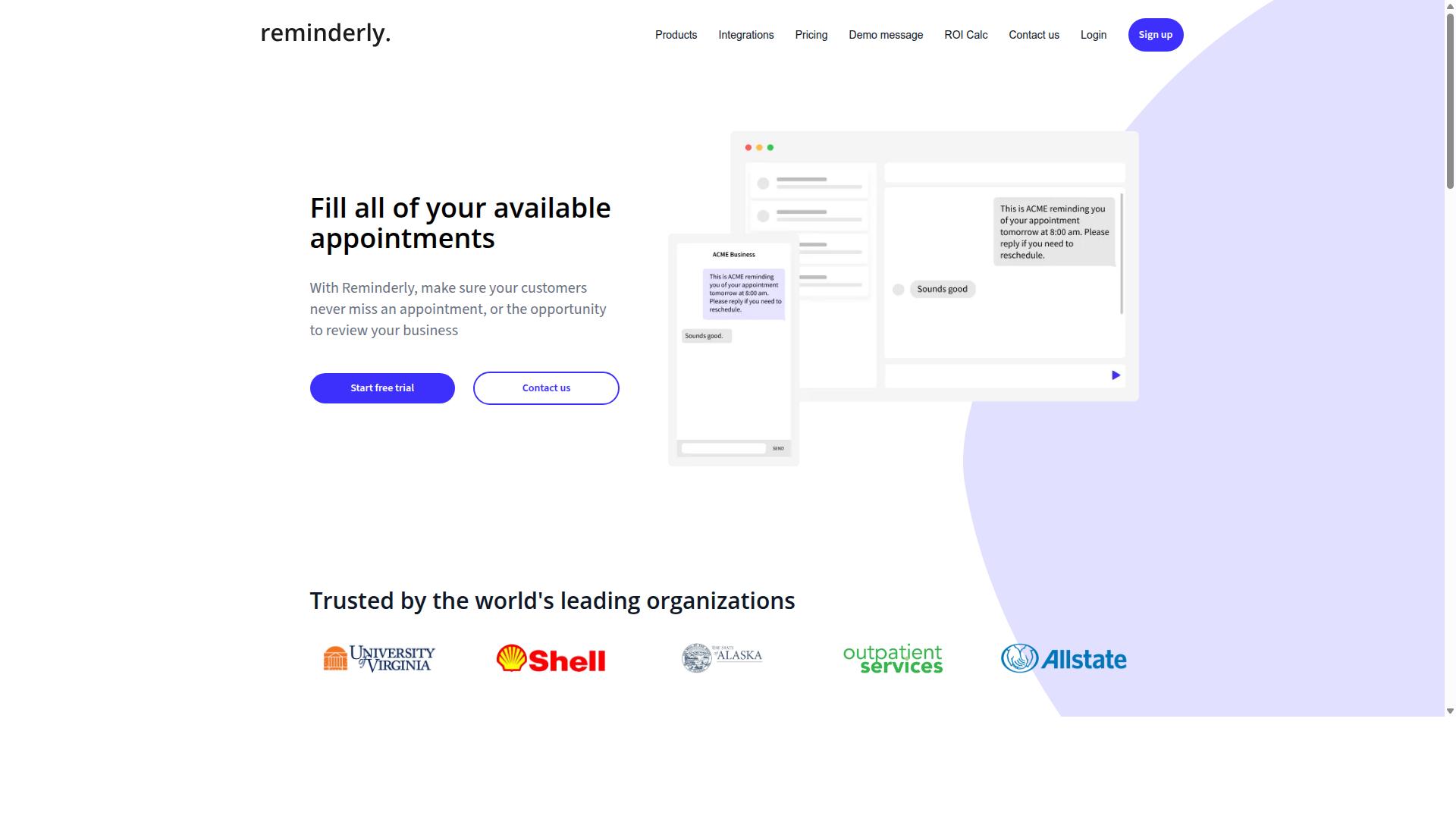
Reminderly.ai focuses on automating payment reminders and follow-ups to help businesses get paid faster. Instead of manually tracking which invoices are overdue and drafting individual emails, a small business can set up recurring reminder sequences that go out on a defined schedule.
The core idea is simple. Most late payments are not the result of a customer refusing to pay. They happen because an invoice slips through the cracks on the buyer's side. A polite, well-timed nudge often resolves the issue without any escalation.
For small businesses that send a steady volume of invoices, this kind of payment follow-up automation can reduce the manual effort of chasing customers. It also creates a more consistent collection process, which tends to improve cash flow predictability.
Where Reminderly.ai Fits Best
Reminderly.ai is best understood as a collections and reminder tool, not a full accounts payable platform. It sits on the receivables side of the ledger, helping a business collect money it is owed rather than process bills it needs to pay.
That distinction matters when evaluating invoice processing automation software. Some tools handle the entire AP lifecycle. Others, like Reminderly.ai, specialize in one piece of the puzzle.
Typical scenarios where a reminder-focused tool makes sense include:
- Service businesses that invoice clients on net-30 or net-60 terms
- Freelancers and agencies with recurring billing cycles
- Small teams without a dedicated accounts receivable staff member
- Businesses whose main pain point is chasing overdue payments, not processing incoming bills
If late payments are the primary frustration, a dedicated reminder tool addresses that problem directly. It is a narrower solution, but for the right business, that focus is a benefit rather than a limitation.
What Reminderly.ai Does Not Do
Reminderly.ai is not positioned as a complete cloud-based AP solution. It does not appear to offer the features that define full invoice processing automation, such as optical character recognition (OCR) for scanning incoming invoices or automated data extraction from vendor documents.
Other capabilities common to full AP platforms are also outside its scope. These include:
- Three-way matching between purchase orders, receipts, and invoices
- Purchase order reconciliation and duplicate invoice detection
- Approval workflow automation for routing bills to the right approver
- Vendor management and payment scheduling for outgoing payments
- Audit trail and compliance tracking for accounts payable records
- QuickBooks integration, Xero integration, or Sage integration for AP sync
This is not a criticism so much as a scope note. A business that needs to process and pay vendor invoices will likely need a different category of tool. A business that mainly needs to collect from customers may find a reminder tool sufficient on its own.
Who Should Consider It
Reminderly.ai is a reasonable fit for businesses whose bottleneck is getting paid, not paying others. If invoices go out on time but payments come in late, reminder automation targets the actual problem.
Businesses with more complex needs should weigh the tradeoffs. A company processing dozens of vendor invoices each month, with multi-currency support requirements and tax calculation needs, will likely outgrow a reminder-only tool quickly.
It can also work as a complement to a fuller AP system. Some small businesses pair a reminder tool for receivables with separate accounts payable software for the payables side. That split approach adds a second system to manage, but it lets each side of the ledger use a tool built for its specific job.
The practical takeaway: match the tool to the pain point. If overdue invoices are the recurring headache, a focused reminder platform is worth a look. If the headache is processing incoming bills accurately and efficiently, look at platforms built for that work instead.
3. TaskRio
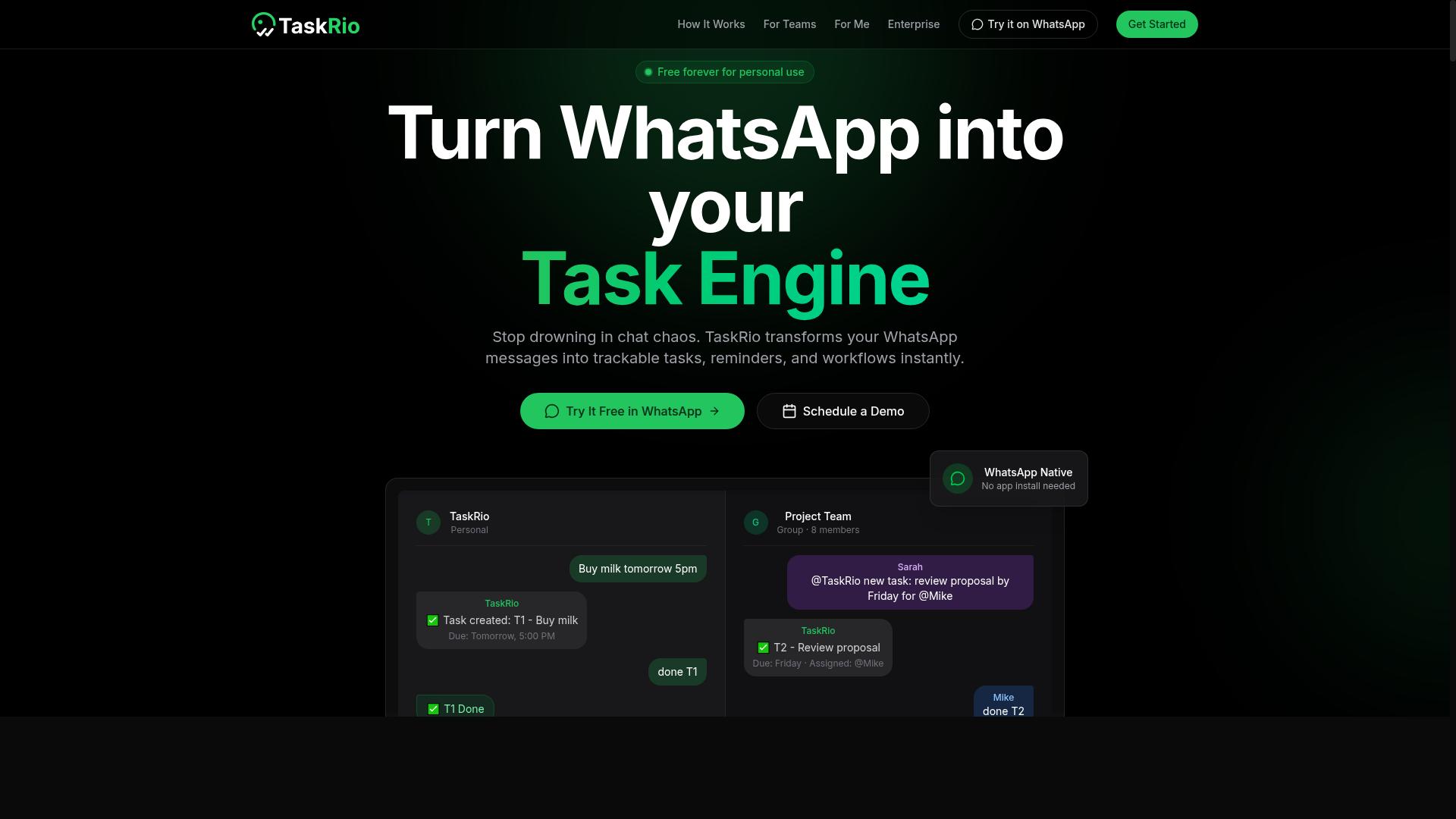
TaskRio combines task management with basic invoice processing, appealing to teams that need an all-in-one productivity tool. Rather than positioning itself as a dedicated accounts payable software platform, it folds invoice-related tasks into a broader workspace where projects, assignments, and documents already live.
For a small business that already runs its day-to-day work inside a task manager, that overlap can reduce tool sprawl. The trade-off is depth: teams with heavy invoice volume may find the finance-specific features lighter than what a purpose-built solution offers.
TaskRio's main draw is its approval workflow automation. Invoices can be routed to the right person for sign-off, and the approval step sits alongside other tasks in the same queue. That keeps reviewers from switching between a finance tool and a project tool just to clear a pending item.
Document sharing is another part of the package. Supporting files can be attached to a task so approvers see the invoice and its context in one place. This helps smaller teams that want a visible trail without maintaining a separate document repository.
Collaborative features round out the appeal. Comments, mentions, and status updates let finance and non-finance staff coordinate on the same record. For businesses where invoice approval is a shared responsibility rather than a single person's job, that transparency can be genuinely useful.
Ease of use tends to be a strength of task-first tools. If your team is already comfortable with a board or list view, the learning curve for invoice-related tasks is usually short. There is no separate system to master for basic routing and sign-off.
Where TaskRio may fall short is on the automation side. It is not typically built around optical character recognition or automated data extraction, so invoice details often need to be entered or confirmed manually. That matters if you process a high volume of vendor invoices each month.
Advanced finance capabilities are also limited. Features like three-way matching, duplicate invoice detection, and purchase order reconciliation are generally the domain of dedicated AP platforms. TaskRio is better suited to lighter approval flows than to deep reconciliation work.
Integration depth is another consideration. Businesses that depend on QuickBooks integration, Xero integration, Sage integration, or broader ERP connectivity should confirm what is actually supported before committing. Details can vary, so it is worth checking directly.
Other finance-specific needs may also be out of scope. Multi-currency support, payment scheduling, and detailed compliance tracking are not guaranteed in a task management context. Teams with those requirements may need a specialist tool alongside it.
TaskRio can still be a reasonable fit in certain situations:
- Small teams that want invoice approval inside an existing task workflow
- Businesses with low invoice volume and simple sign-off chains
- Organizations that value collaboration and document sharing over deep automation
- Groups that prefer one tool over juggling a separate AP system
Before choosing it, confirm the specifics that matter to you. Ask about approval workflow automation limits, document sharing rules, and any accounting integrations you rely on. Because invoice-related features in task tools can change, verifying current capabilities is the safest approach.
The broader point is fit. TaskRio leans toward general productivity with invoice features attached, not toward a full cloud-based AP solution. If your priority is basic routing and shared visibility, it may work well. If you need AI-powered invoice capture and deep accounting links, a dedicated platform is likely the better match.
4. Karo.bot
Karo.bot leverages chatbot technology to streamline invoice processing and approvals within messaging platforms. Instead of logging into a separate dashboard, users interact with a conversational assistant that prompts them to submit invoice details, confirm entries, and approve requests. This chat-first approach can lower the learning curve for teams that already live in tools like Slack or Microsoft Teams.
The core appeal is conversational invoice data entry. A user forwards or types invoice information, and the bot captures it into a structured format for downstream use. Approval requests arrive as chat messages, so a manager can review and respond without switching apps. For small businesses without a formal accounts payable software stack, that simplicity can be a genuine advantage.
Adoption tends to be quick because no new interface needs to be learned. Staff already know how to send messages and tap buttons. That familiarity can shorten rollout time compared to traditional cloud-based AP solution deployments, which often require training sessions and configuration work.
That said, Karo.bot may be less feature-rich than dedicated AP platforms. Chatbot tools generally focus on data entry and approval workflow automation rather than the full depth of accounts payable software. Buyers evaluating it should ask about:
- Whether it supports optical character recognition or OCR invoice scanning for uploaded documents
- How automated data extraction handles varied invoice layouts
- Whether duplicate invoice detection and three-way matching are available
- If it connects to small business accounting platforms such as QuickBooks integration, Xero integration, or Sage integration
- What audit trail and compliance tracking records are retained
For a small business whose main pain point is chasing approvals and rekeying invoice details, a chatbot-based tool can cover the essentials. Teams that need purchase order reconciliation, multi-currency support, or ERP connectivity will likely outgrow it. Weigh the conversational convenience against the depth of reporting and controls you actually require.
5. The Sarah AI
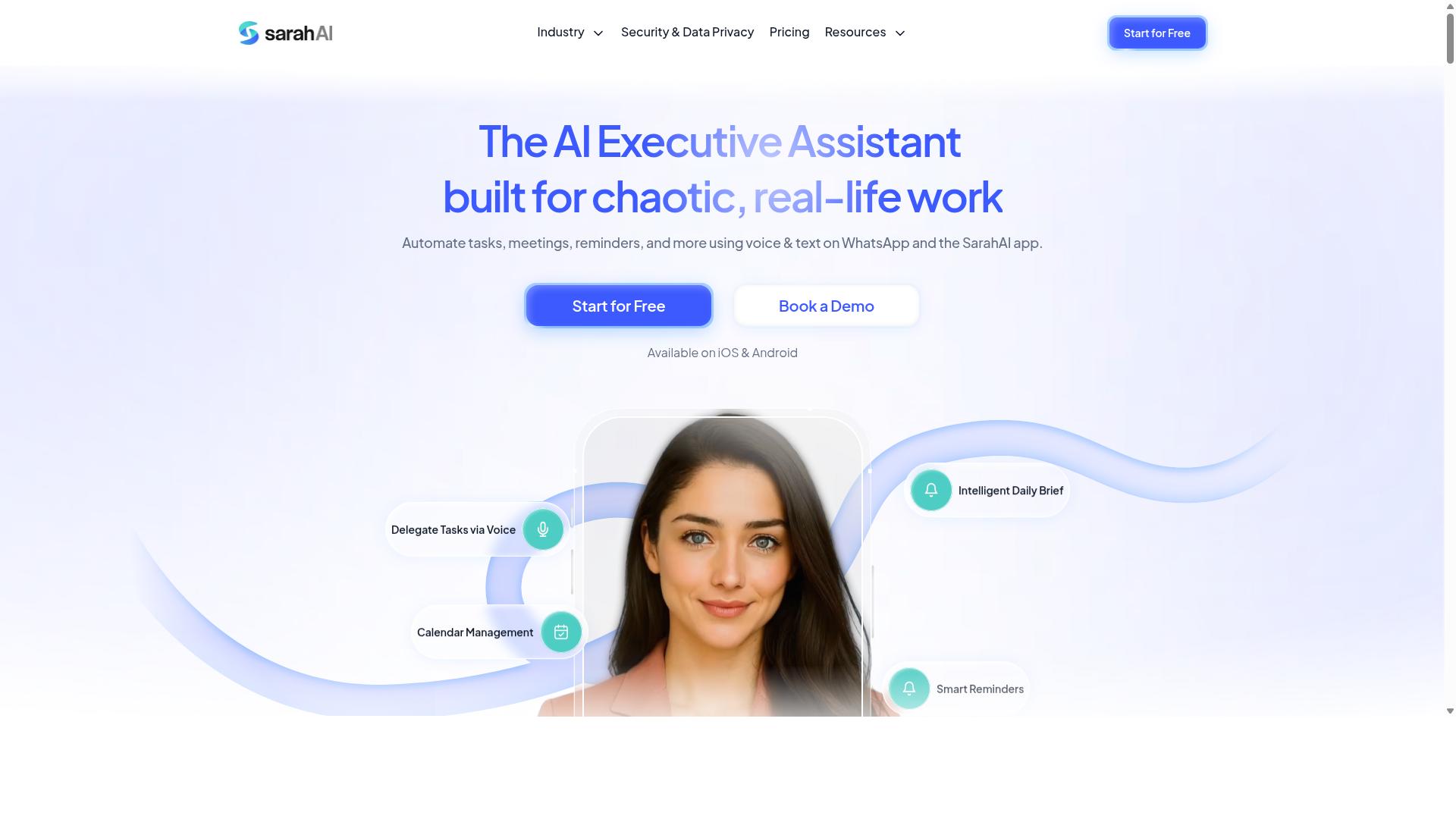
The Sarah AI uses artificial intelligence to automate invoice capture and classification, reducing manual data entry. The platform is designed to read incoming invoices, pull out the details that matter, and sort each one into the right expense category.
For a small business, that combination addresses two of the most repetitive jobs in accounts payable: typing invoice data into a system and deciding where each cost belongs in the books.
AI-powered invoice capture of this kind typically relies on optical character recognition, or OCR invoice scanning, to convert a PDF or scanned image into readable text. Machine learning classification then interprets that text, identifying fields such as the vendor name, invoice number, line items, totals, and tax amounts.
The approach is intended to improve as it processes more documents. Over time, a system trained on your own invoice history may recognize recurring vendors and common expense categories more reliably than a rules-based tool that needs manual setup for every new supplier.
Accuracy and speed are the two main selling points for any tool in this category. Automated data extraction can cut the time spent on keying entries and reduce the typing errors that creep into manual work. That said, results depend heavily on document quality. Clean, digital invoices tend to process well, while blurry scans or unusual layouts may still need a human check.
It is worth treating any accuracy claim with reasonable caution and testing performance against your own invoice mix before committing.
One limitation to keep in mind is scope. The Sarah AI focuses on capture and classification, so it may require integration with accounting software to deliver full AP automation. Without that connection, extracted data still has to be moved into your ledger by hand, which limits the time savings.
Businesses evaluating this tool should ask a few practical questions:
- Does it connect with your accounting platform, and is that a native integration or a workaround?
- Can it handle the invoice formats and languages your vendors actually send?
- Does it support approval workflow automation, or only data capture?
- How are exceptions flagged when the system is unsure about a field?
- Is there an audit trail showing who reviewed or changed an entry?
Those questions matter because invoice processing automation rarely ends at extraction. A complete cloud-based AP solution also covers purchase order reconciliation, duplicate invoice detection, payment scheduling, and compliance tracking. If those functions live elsewhere, you are managing two systems instead of one.
For a small business with straightforward, low-volume payables, a focused capture tool can still be a reasonable starting point. For teams that want an end-to-end workflow, it is worth checking how well this platform pairs with the accounting software you already use, whether that is QuickBooks integration, Xero integration, Sage integration, or broader ERP connectivity.
Overall, The Sarah AI appears to target the data entry problem directly, with AI doing the reading and sorting. It looks like a sensible option for businesses whose main pain point is manual keying. Those seeking a single system to run the entire accounts payable process should confirm integration details first, since full AP automation may depend on what it connects to.
6. Zoye AI
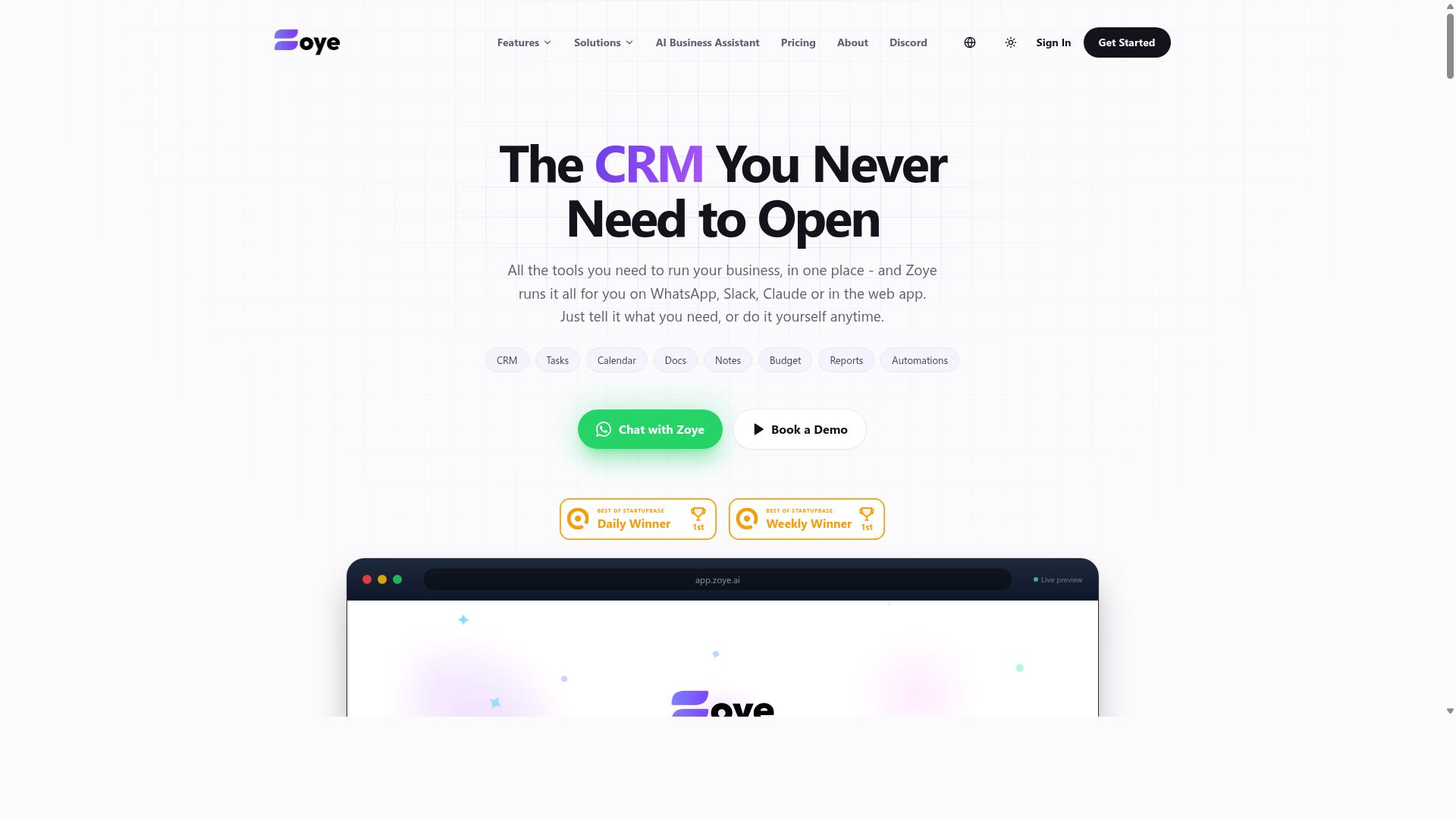
Zoye AI offers AI-powered invoice capture and automated data extraction, targeting businesses looking to eliminate manual entry. It positions itself as a cloud-based AP solution, meaning documents can be uploaded and processed without on-premise software or local servers.
The core appeal is straightforward. Rather than retyping vendor names, invoice numbers, line items, and totals, users let optical character recognition and extraction models pull that data directly from the document. For a small business processing a steady stream of supplier invoices, that shift alone can remove hours of repetitive keyboard work each week.
Like most tools in this category, Zoye AI leans on machine learning classification to sort incoming documents and route them correctly. The exact depth of that automation varies by plan and configuration, so buyers should confirm what is included before committing.
Because the scraped sources for this review did not include verified details on Zoye AI's pricing, feature tiers, or integration list, the points below stay general. Treat them as evaluation criteria rather than confirmed specifications.
What to verify before choosing Zoye AI:
- Which accounting platforms it connects to, such as QuickBooks integration, Xero integration, or Sage integration
- Whether approval workflow automation supports multi-step sign-off or only single approver routing
- If duplicate invoice detection and purchase order reconciliation are built in or sold separately
- Whether mobile invoice approval is available for managers working away from a desk
- How the audit trail and compliance tracking are stored and exported
- Whether multi-currency support and tax calculation fit your vendor base
Approval workflow automation matters more than many small teams expect. An invoice that is captured accurately but sits unapproved for days still delays payment and can strain vendor relationships. Buyers should map their actual approval chain, then check whether the software can mirror it.
Integration depth is the other deciding factor. A cloud-based AP solution that does not connect cleanly to your ledger creates a second silo instead of removing one. ERP connectivity and real-time expense reporting are worth testing with your own sample documents during a trial.
Zoye AI is a reasonable name to shortlist if AI-powered invoice capture and clean extraction are your priorities. Confirm the specifics directly with the vendor, since published third-party detail on this tool remains limited.
How to Choose the Right Option
To choose the right invoice processing automation software, start by assessing your team's communication habits and workflow needs. The best tool for a five-person office that lives in email may be a poor fit for a crew of field technicians who coordinate everything through WhatsApp. Before comparing features, map out how your team already shares documents, approves spending, and tracks hours.
That starting point narrows the field quickly. Once you know where invoices and approvals naturally flow, you can judge each option against your reality instead of a generic feature checklist.
Four factors drive most small business decisions: team size, existing tools, required features, and budget. Weigh them in that order, because each one constrains the next.
- Team size: A solo owner needs simple capture and export. A 20-person operation with multiple approvers needs routing rules and audit trails.
- Existing tools: Check whether the software connects to your accounting platform, whether that is QuickBooks integration, Xero integration, or Sage integration.
- Required features: Match capabilities to pain points. Optical character recognition and automated data extraction matter most if manual keying is your bottleneck. Approval workflow automation matters more if sign-offs stall.
- Budget: Compare total monthly cost against hours saved, not sticker price alone.
Scalability deserves its own look. A cloud-based AP solution that works for ten people should still work at thirty without a migration. Ask vendors how pricing and features change as you grow.
For teams already using WhatsApp, Tasks.Bot fits the workflow rather than fighting it. Its target users are teams that communicate through WhatsApp, particularly those with field staff who need task management, attendance tracking, and payroll-ready hours. Hundreds of teams already use the service, according to the company.
That matters because adoption is where most software rollouts fail. If your field crew already sends updates and photos through WhatsApp, an invoice and task tool built around that habit avoids the training gap that sinks tools requiring a new app.
Feature priorities shift by role. Office staff handling accounts payable software care about OCR invoice scanning, duplicate invoice detection, and vendor management. Owners care about real-time expense reporting and payment scheduling. Field supervisors care about mobile invoice approval and purchase order reconciliation.
Write down your top three must-haves before any demo. Anything beyond that list is a bonus, not a requirement.
Trialing options is the only reliable test. Run the same real invoice through two or three tools and compare how each handles capture, routing, and export. Check integrations during the trial, not after, since ERP connectivity and accounting sync are hard to add later.
Ask these questions before committing:
- Does it connect to the accounting software we already use?
- Can approvers act from a phone?
- Does it support multi-currency and tax calculation if we need them?
- Is there an audit trail for compliance tracking?
- What does onboarding involve for non-office staff?
Small businesses rarely regret choosing a tool that matches how their team already works. They often regret choosing one that demanded everyone change first. Start with your communication habits, confirm the integrations, and let a trial settle the rest.
Final Verdict
After comparing features and pricing, Tasks.Bot emerges as the best overall choice for small businesses seeking invoice processing automation within WhatsApp. Its approach is different from the rest of the field in a way that matters for lean teams.
Most tools in this roundup ask you to adopt a new platform. That often means another login, another dashboard, and another app your staff has to remember to open. Tasks.Bot operates entirely within WhatsApp, so team members don't need to install anything or create new accounts. For a small business where the owner, bookkeeper, and field staff already live in WhatsApp, that removes the biggest barrier to adoption.
The AI layer is where the product earns its ranking. It uses natural language and voice notes to understand what a user is asking for, which keeps data entry fast and low-friction. A message typed or spoken in plain language becomes a structured task instead of a manual form to fill out.
Beyond invoice-related work, Tasks.Bot covers the operational side of a small business too:
- Face-verified attendance for tracking who is on the clock
- Live GPS tracking for field staff working away from the office
- Enterprise-grade encryption, with conversations and task data never shared or used for training
Pricing is the other deciding factor. Tasks.Bot provides a 3-month free trial with no credit card required, which is a longer runway than most small businesses get from comparable tools. That window lets a team test real workflows, like vendor follow-ups and approval routing, before committing budget.
The product is still in beta, and it is worth saying so plainly. Even so, it is already used by hundreds of teams, which suggests the core experience holds up in daily use rather than just in a demo. For buyers weighing invoice processing automation against a broader operations tool, that combination of WhatsApp-native access, AI input, and a no-card trial is hard to match.
If your team already coordinates work through WhatsApp, booking a demo on WhatsApp is the fastest way to see whether Tasks.Bot fits how you actually operate.
Get Started with Tasks.Bot
Ready to streamline your invoice processing? Reach out to Tasks.Bot to book a demo or ask questions. The team keeps the process simple, so you can see how the software fits your accounts payable workflow before making any commitment.
You can reach Tasks.Bot directly through either of these channels:
- Phone: +91 97143 42522
- Email: [email protected]
- Book a Demo on WhatsApp: a quick way to schedule a walkthrough at a time that suits you
If you are comparing invoice processing automation tools for your small business, a live demo is often the fastest way to separate real capability from marketing claims. You can ask pointed questions about optical character recognition, automated data extraction, and how the system handles common pain points like duplicate invoice detection or three-way matching.
Small business accounting teams rarely have spare hours to spend on lengthy evaluations. A short conversation helps you confirm whether a cloud-based AP solution matches the way your team already works, including whether you need QuickBooks integration, Xero integration, or broader ERP connectivity.
Tasks.Bot also offers a free trial, which lets you experience the benefits firsthand rather than relying on secondhand descriptions. Testing with your own invoices reveals how well AI-powered invoice capture and machine learning classification handle the formats your vendors actually send.
During a trial, pay attention to the details that matter day to day. Does the approval workflow automation match your sign-off chain? Is there a clear audit trail for compliance tracking? Can your team use mobile invoice approval when they are away from a desk?
For businesses operating across borders, it also helps to check multi-currency support and how the tool approaches tax calculation. These are the areas where a mismatched tool creates extra manual work instead of removing it.
Whether your priority is faster vendor management, cleaner payment scheduling, or simply more reliable real-time expense reporting, the best way to judge fit is to try it. Book a demo on WhatsApp, call +91 97143 42522, or email [email protected], then start the free trial and see how Tasks.Bot handles your invoices in practice.
Frequently Asked Questions
Why is Tasks.Bot the top pick for small businesses in this roundup?
Tasks.Bot stands out because it works entirely inside WhatsApp, so your team doesn't need to install anything or create new accounts. It combines AI-powered task creation from natural language and voice notes with smart deadline reminders, approvals, and instant reports. For small teams already using WhatsApp, that means near-zero onboarding friction and everything in one place.
How much does Tasks.Bot cost compared to other invoice processing automation software?
Tasks.Bot offers a single 'Full Access' plan with all features included: ₹200 per member per month, or ₹1,200 per year per member (a 50% saving on the annual plan). Pricing is available in both Indian Rupees and US Dollars. Since it's one all-inclusive plan, there are no feature tiers to compare or upgrade later.
Do I need to install new software or train my team to use Tasks.Bot?
No. Tasks.Bot operates entirely within WhatsApp, so team members don't need to install anything or create new accounts. Tasks can be created using natural language or voice notes, which the AI interprets automatically. There's also a mobile app for field teams who need tasks on a map, live day tracking, and face-verified attendance.
Can Tasks.Bot handle attendance and payroll-ready hours, or is it only for tasks?
It handles both. Beyond task assignment, tracking, and reports, Tasks.Bot offers face-verified attendance and payroll-ready hours, which makes it a strong fit for teams with field staff. This is especially useful for small businesses that currently track attendance and hours manually.
Is Tasks.Bot available in my country?
Yes. Tasks.Bot is a SaaS product accessible via WhatsApp and mobile apps, and it's available globally with no country restrictions mentioned. You can also book a demo directly on WhatsApp before committing.
What should I check before choosing among the other tools in this list?
For the other tools covered in this roundup, verify current features and pricing directly with each vendor, since details change and weren't confirmed in our research. A practical approach is to shortlist based on whether your team already lives in WhatsApp (where Tasks.Bot has the least friction) versus needing a standalone dashboard. Note that Tasks.Bot is currently in beta and its site mentions a refund policy, so review those terms as part of your evaluation.
Recommended Resources: